Every template follows it. After “Try this”, just swap the quoted text for your event name, date and venue.
Theme & subject + Setting & props + Text in the image (in quotes) + Style & colors
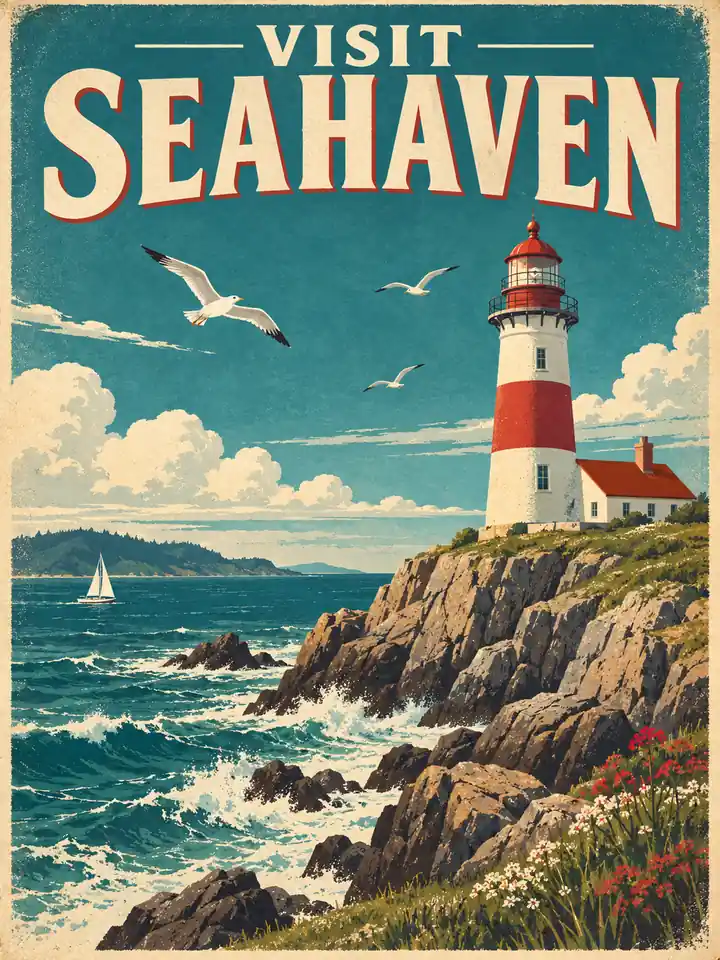
Retro lighthouse travel poster
Vintage travel poster of a red and white lighthouse, on a rocky cape with seagulls overhead, big headline "VISIT SEAHAVEN" at the top, flat screen-print colors in teal, cream and red
Open it to see the full image, prompt and our model pick; ← → to browse.
2Try this, add your text
The prompt and settings load into Text to Image. Replace the quoted words with yours.
3Generate and download
The Generate button shows the credit cost. You are charged only when you generate; failed runs are refunded.
FAQ
Poster template FAQ
Will the text on my poster be spelled correctly?
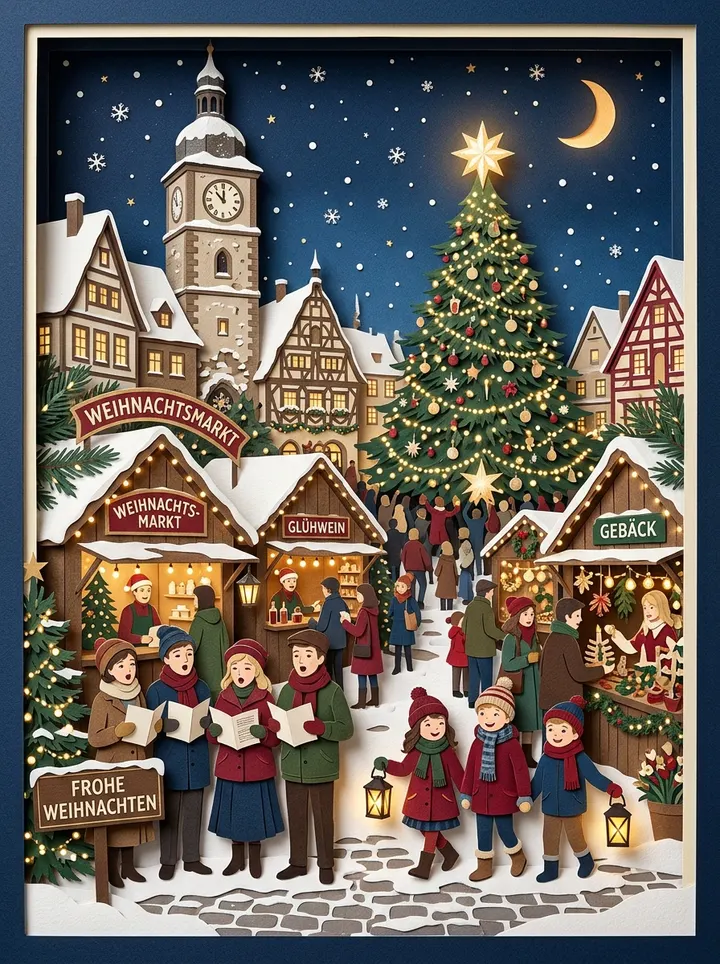
GPT Image 2 and GPT Image 2.5 are the most reliable. Put the words in quotes and keep them short, then zoom in to check every letter — if anything’s off, tweak the prompt and generate again.
Does “Try this” cost credits?
No. It only fills in the prompt and settings. Credits are spent when you click Generate, and the button shows exactly how many.
Can I add my own event name and date?
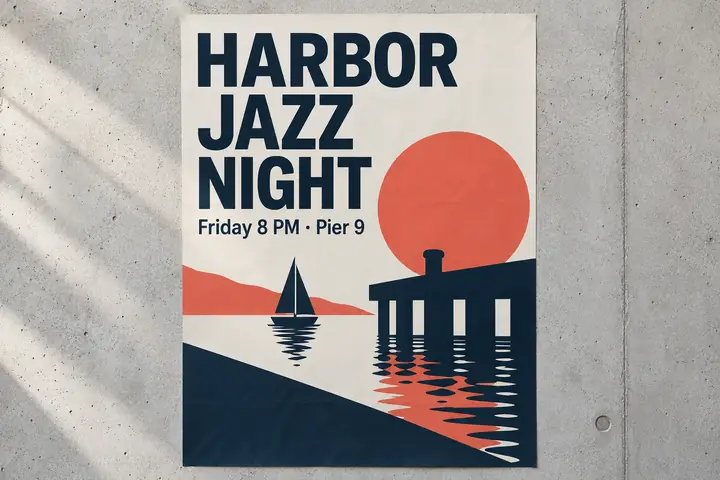
Yes. Replace the quoted text in the prompt with your event, date and venue. The shorter the text, the more reliable the result.
What size should a poster be?
Use 3:4 or 2:3 for printed posters and flyers, 9:16 for Instagram Stories and Reels, 16:9 for banners and YouTube, and 1:1 for feed posts.
What does the model on each card mean?
It’s the model we recommend for that template. Any model works — the credit cost on the button updates when you switch.
Can I use these posters commercially?
Images made with paid credits have no watermark and can be used commercially. Don’t include other people’s trademarks, characters or likenesses.