All tools
Swap a background, erase a stranger, try a new haircut, sharpen a blurry shot — pick a tool and upload. Credits per run, refunded if a run fails. Free tools run right in your browser.
✦ AI tools You’re here
Works on your original photo: only the part you ask for changes — the person, product and framing stay put.
e.g. put the product on a kitchen counter, remove a photobomber, upscale a blurry photo Image to image
Uses your photo as a reference and generates a brand-new image — new style, new composition.
e.g. turn a photo into a watercolor, make a fresh ad from a product shotWant a whole new look? Try Image to ImageBackgrounds
Subject stays, background changes
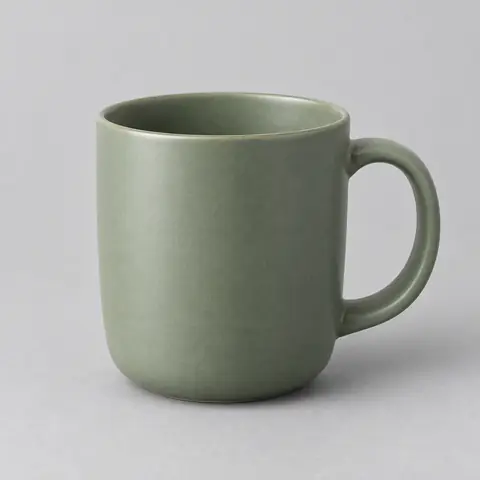

Remove
Erase it, keep everything else
Portraits
Same person, new look

Sharpen
Blurry or low-res, made crisp
Combine & describe
Merge two photos, or get the prompt

Generate photos
Start with a description

Free tools
Runs in your browser — nothing uploaded, no credits, no limits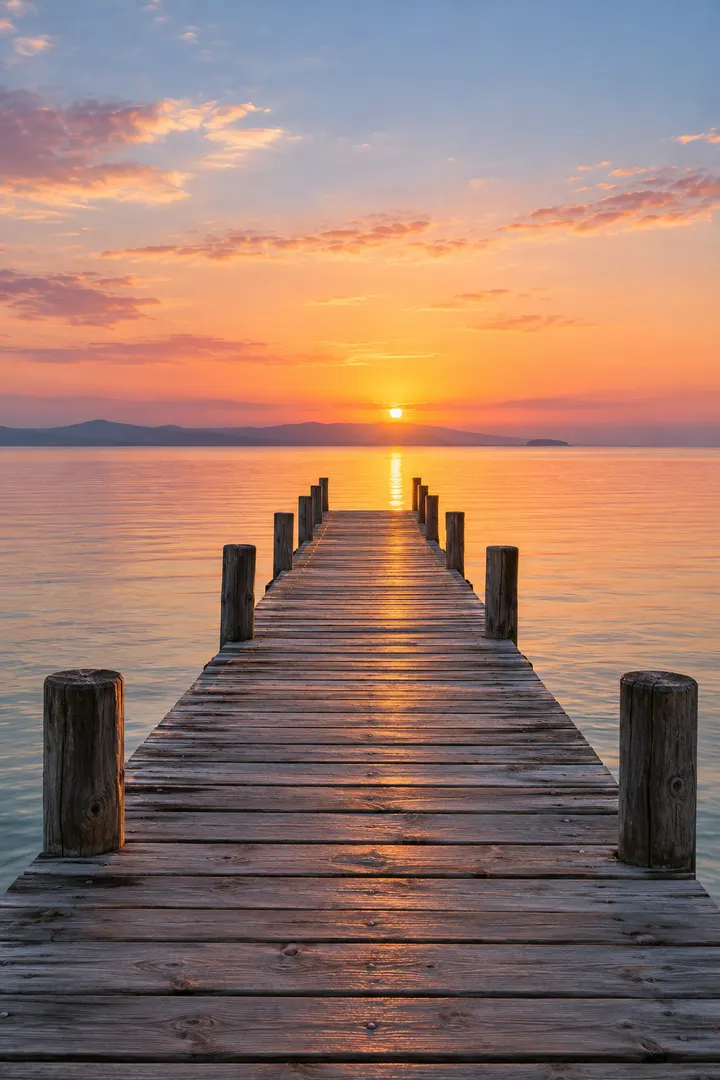 OriginalResultCompress Image
Less than half the size, no visible difference
Free · runs locally, no upload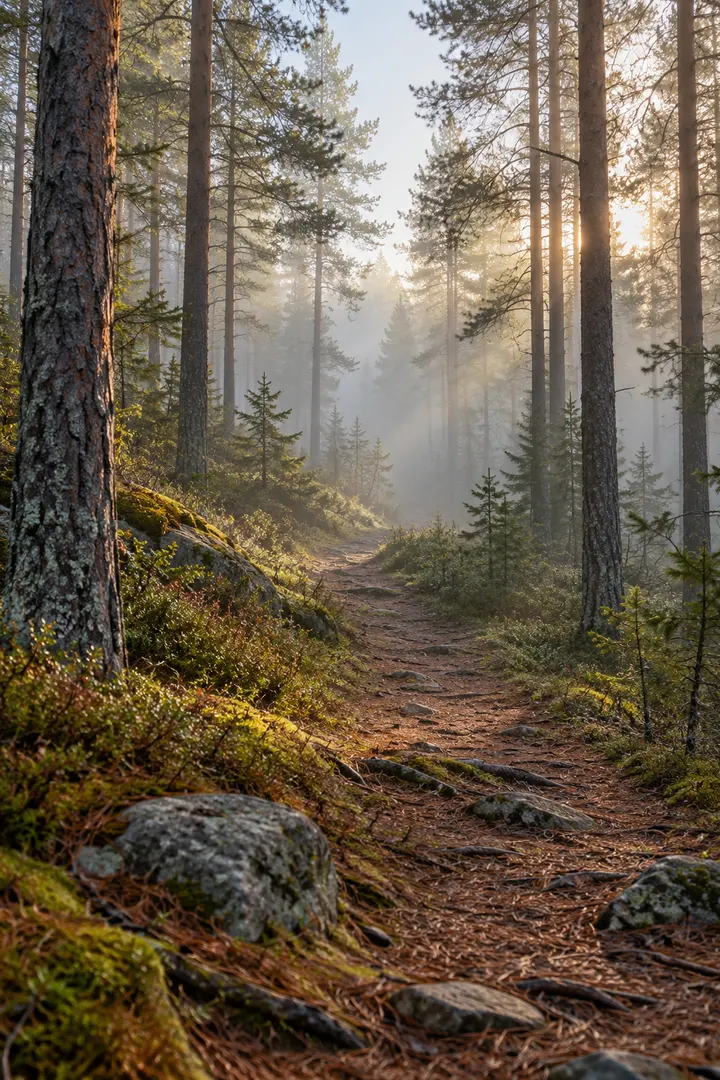 OriginalResultResize Image
By pixels or percent, one or many
Free · runs locally, no upload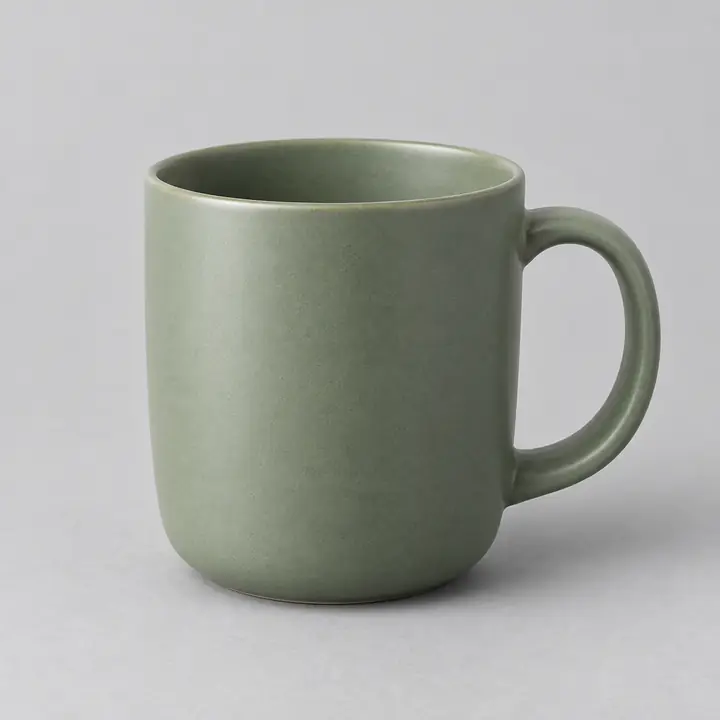 OriginalResultConvert Format
HEIC, PNG, JPG and WebP, any direction
Free · runs locally, no upload OriginalResultCrop Image
One-tap sizes for Instagram, YouTube and more
Free · runs locally, no upload OriginalResultRotate & Flip
Fix sideways or mirrored photos
Free · runs locally, no upload OriginalResultAdd Watermark
Stamp your shop name or logo before posting
Free · runs locally, no uploadDon’t see the tool you need?
Open Image to Image →Upload your photo in Image to Image and describe the change in a sentence.