AI Photo Generator for Realistic, Photo-Style Images
The AI photo generator turns a written description into a realistic, photo-style image; presets set the light, lens and colour so it looks shot, not drawn.
Free to start: 8 welcome credits after email verification, plus 3 free FLUX schnell images every day. Free images are watermarked and view-only; images made with paid credits have no watermark and can be downloaded.
Model names belong to their owners. image2ai accesses them through third-party API providers and is not affiliated with OpenAI, Google or ByteDance.
How to use AI Photo Generator
- 1Pick a preset or describe the subject, place and time of day.
- 2Add the camera feel (35mm, 85mm, shallow focus) and the light.
- 3Generate, then change one detail at a time to refine.
What people use it for
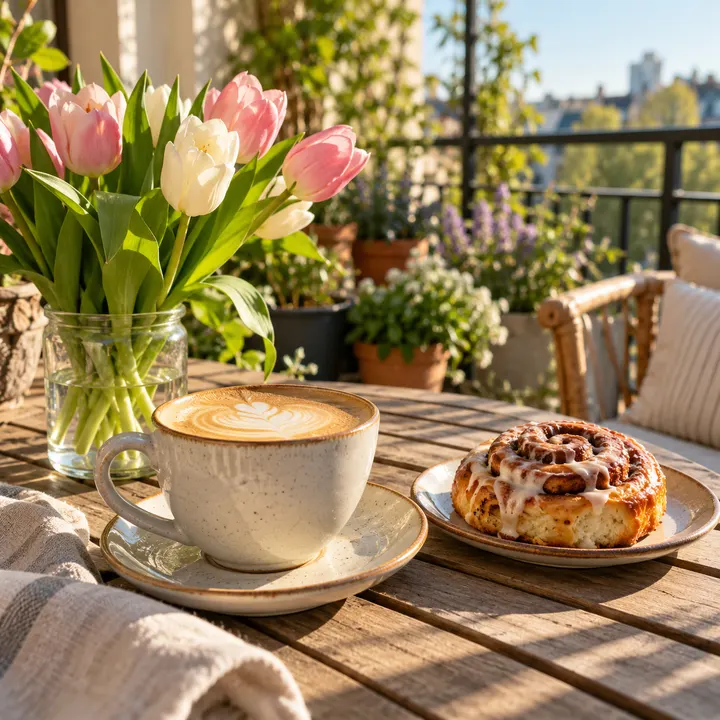
Social posts
Make a fitting photo for a post when you have no picture of your own.
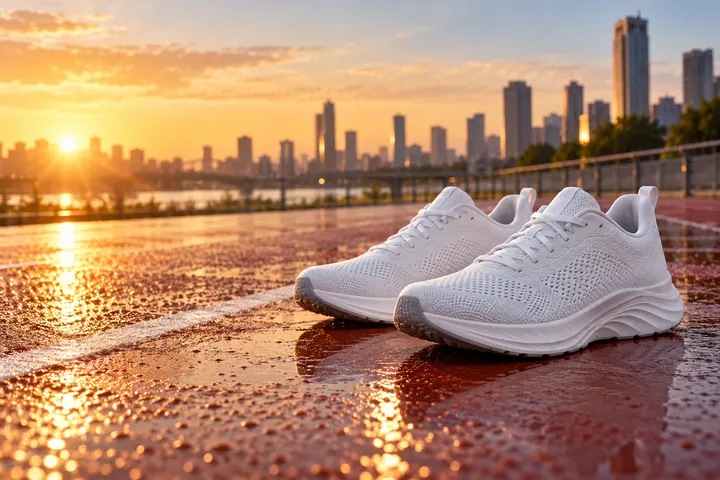
Ads and landing pages
Mock up a hero image before you book a photo shoot.
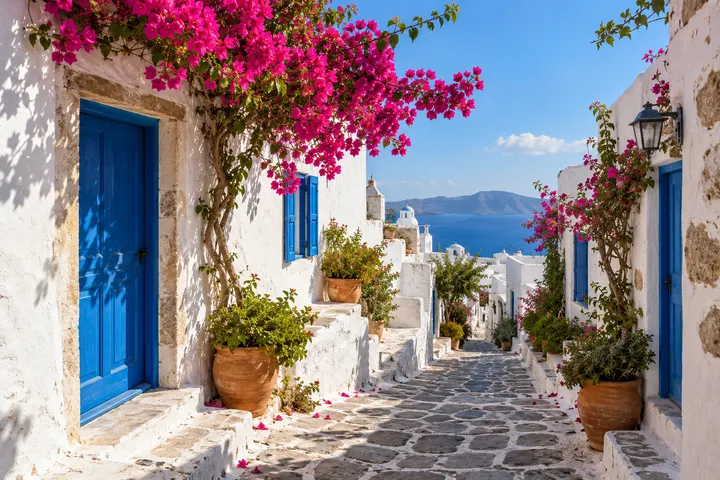
Blog articles
Illustrate a recipe, a travel story or a how-to with a matching scene.
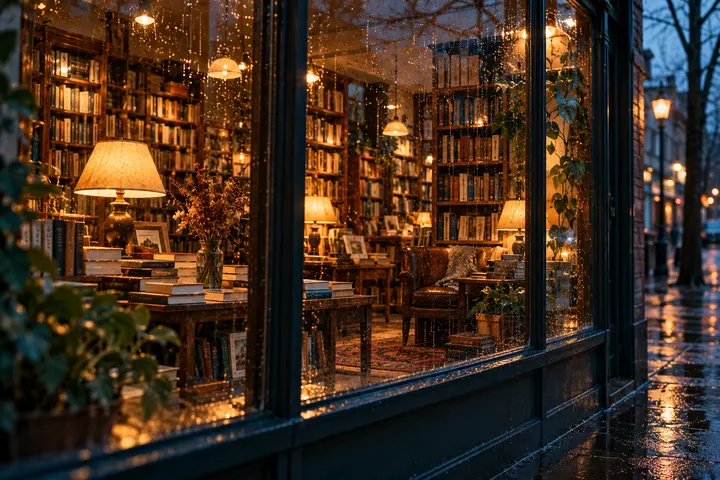
Mood and concept
Show a client the light and colour you have in mind.


Limits and tips
Generated photos are not real events; do not present them as documentary evidence.
Real people, brands and logos are not recreated.
Hands and small text are where photo-style images most often go wrong; check them.
If a generation fails, the credits go back to your balance automatically.
Free image tools
Local processing. No uploads or credits.
FAQ
How do I make an AI photo look real?
Describe it like a photographer: lens (35mm, 85mm), light (window light, golden hour), focus and a little grain. Avoid words like “illustration” or “render”.
Which model is best for an AI photo generator?
This page always uses GPT Image 2, which is strong at realistic scenes. To try Nano Banana Pro or Seedream 5.0 for different colour and texture, use the text-to-image page, where you can choose the model.
Can I generate photos of real people or celebrities?
No. Describe an invented person instead (age range, clothing, mood).
What sizes can AI photos be?
Seven aspect ratios from square to 16:9, at 1K, 2K or 4K depending on the model.
Can I use AI photos commercially?
Images made with paid credits have no watermark and can be used commercially. Free daily images and welcome-credit images are watermarked and view-only.
Do I need to write long prompts for realistic photos?
No. One sentence about the subject plus one about light and lens is usually enough to start.
More image tools


Models behind this tool
Guides
Try AI Photo Generator now
8 welcome credits, enough for 2 images
Back to AI Photo Generator