ChatGPT photo editor: edit a reference photo on image2ai
ChatGPT photo editor searches often start with a photo and one requested change. Use image2ai’s independent editing workbench, attach the reference and say exactly which details should stay.
From 4 image2ai credits per image. Read the current cost on the generate button.
image2ai is an independent third-party tool and is not affiliated with OpenAI / ChatGPT.
What is a ChatGPT photo editor workflow?
A ChatGPT photo editor workflow uses written instructions to revise an image. This page accesses an OpenAI GPT Image model through a third-party API route; it is not ChatGPT itself. A ChatGPT subscription is separate from your image2ai balance and does not fund this workbench.
How to use this ChatGPT photo editor alternative
- Select image-to-image mode and attach the photo you want to edit.
- Describe one change and explicitly name what must remain unchanged.
- Generate, compare the result with the reference, and revise any detail that drifted.

Good uses for a ChatGPT photo editor
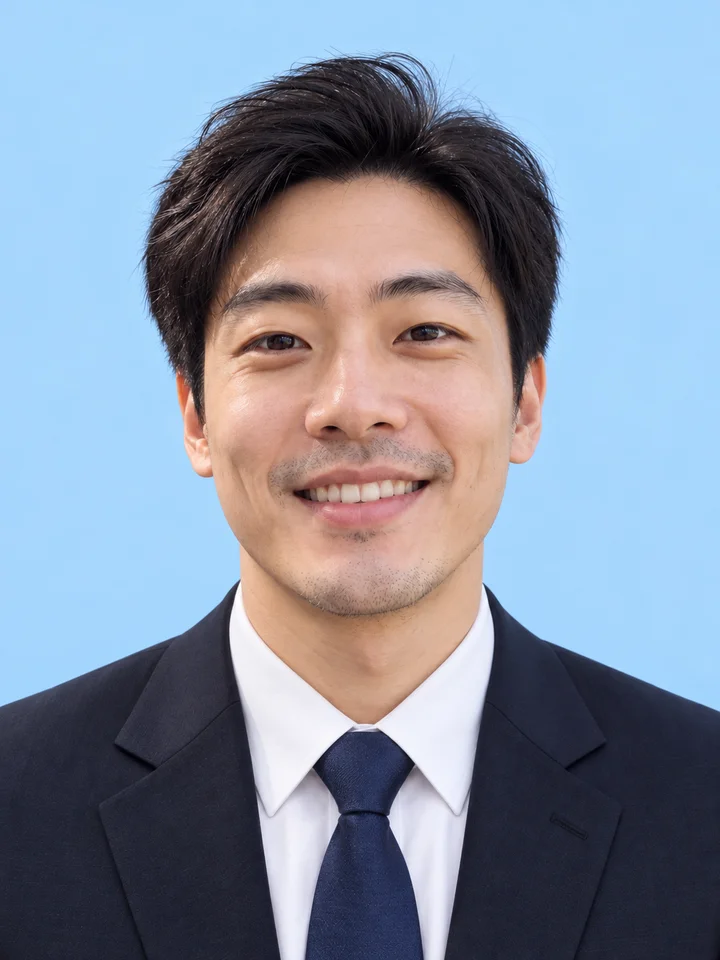
- Turning a casual photo into an ID or CV portrait while keeping the same face.
- Moving a product shot into a clean studio setting without changing the product.
- Making two or three versions of one photo, such as different outfits or light, to choose from.
ChatGPT photo editor: what to check
- For a photo revision, keep a copy of the input and prompt so each revision can be compared fairly.
- Check faces, hands and written labels at full size. A plausible-looking image can still alter details you intended to preserve.
- Use the dedicated transparent-background tool if you need a cutout rather than a newly generated scene.
How this differs from ChatGPT photo editor
This ChatGPT photo editor page uses image2ai’s interface, account and credits. GPT Image access is supplied through a third-party API, not a ChatGPT session. The archive does not establish current ChatGPT account limits or subscription entitlements; no claim is made that the two services have identical features or results.
ChatGPT image editor, chat gpt image editor and AI image editor ChatGPT searches share an editing intent. A ChatGPT photo editor free preview here still follows image2ai’s trial restrictions: watermarked previews you can view on the site only, with clean originals downloadable after any purchase.
Visit the official OpenAI / ChatGPT website for its current controls and terms.
ChatGPT photo editor FAQ
Is this the official ChatGPT photo editor?
No. image2ai is an independent third-party tool with no affiliation to OpenAI / ChatGPT. The workbench uses image2ai accounts and credits.
Can I try this ChatGPT photo editor workflow without buying a plan?
Eligible trial credits provide watermarked previews you can view on the site only. After any purchase, you can download clean originals of those trial images. Check the current allowance and required credits in the workbench before generating.
Does this ChatGPT photo editor page use my existing subscription?
No. Your OpenAI / ChatGPT subscription and files are separate. Upload a file you are allowed to use and review the image2ai credit cost before running the tool.
How should I check a ChatGPT photo editor result?
For a photo revision, keep a copy of the input and prompt so each revision can be compared fairly.
